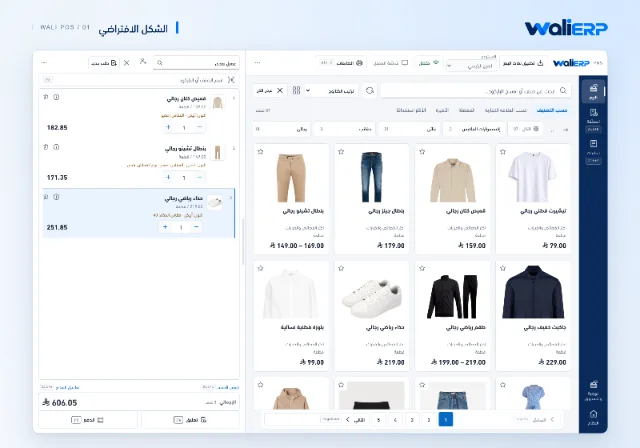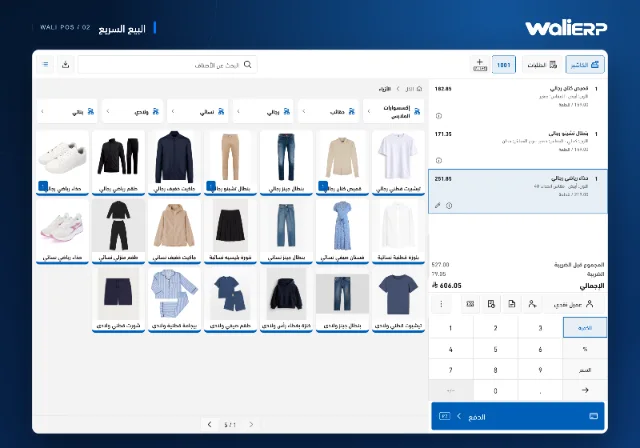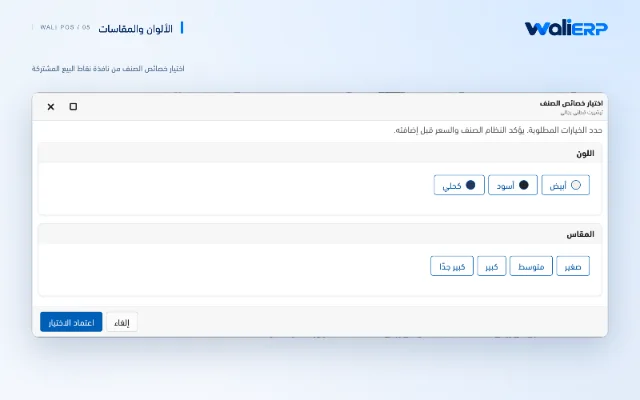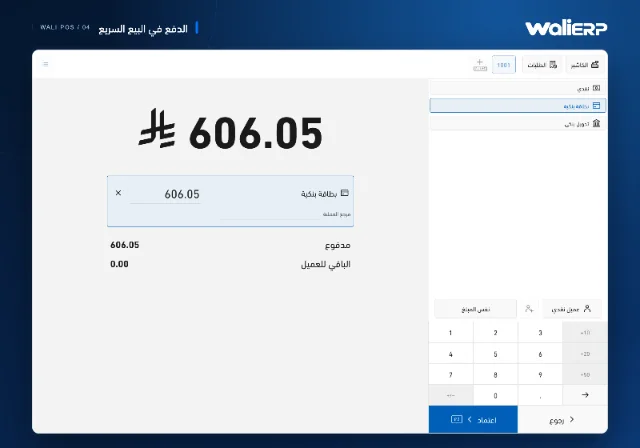
From opening the till to closing the shiftA connected workflow for the cashier’s day.
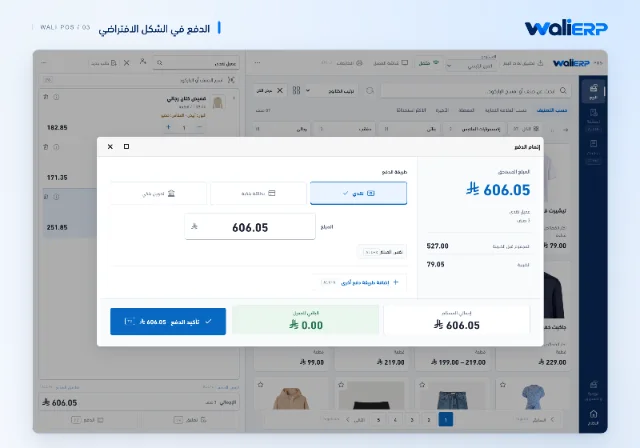
Open the shift with its starting figures, then keep sales, collections and orders linked to it through closing.
Pause an order and return to it
Keep the current order, start another, and return to the saved items and quantities when the customer is ready.
Handle returns at the checkout
Open the original invoice, choose the items and quantities being returned, and follow the settlement and stock movement within POS.
Permissions for each responsibility
Control price changes, discounts and payment collection through cashier permissions and POS settings.
Keep working when the connection drops
Use the saved catalogue for offline sales and follow the order queue as it synchronizes when the network returns.
A display for your customer
Show items, quantities and invoice amounts on a linked customer display, keeping the order clear on both sides of the counter.
Receipts that fit your business
Use your document templates, preview the receipt and choose the right print layout for the sale.